Dozens of fonts
More than fifty typefaces — scripts, serifs, clean sans and bold display faces — so the words on the card sound like you.
No design skills needed
Start from any design and shape it until it's yours — tap any words to rewrite them, swap fonts and colors, curve a line of text, restyle the envelope and its liner. The card updates as you go, so you're never guessing, and every edit saves on its own. No design background required.
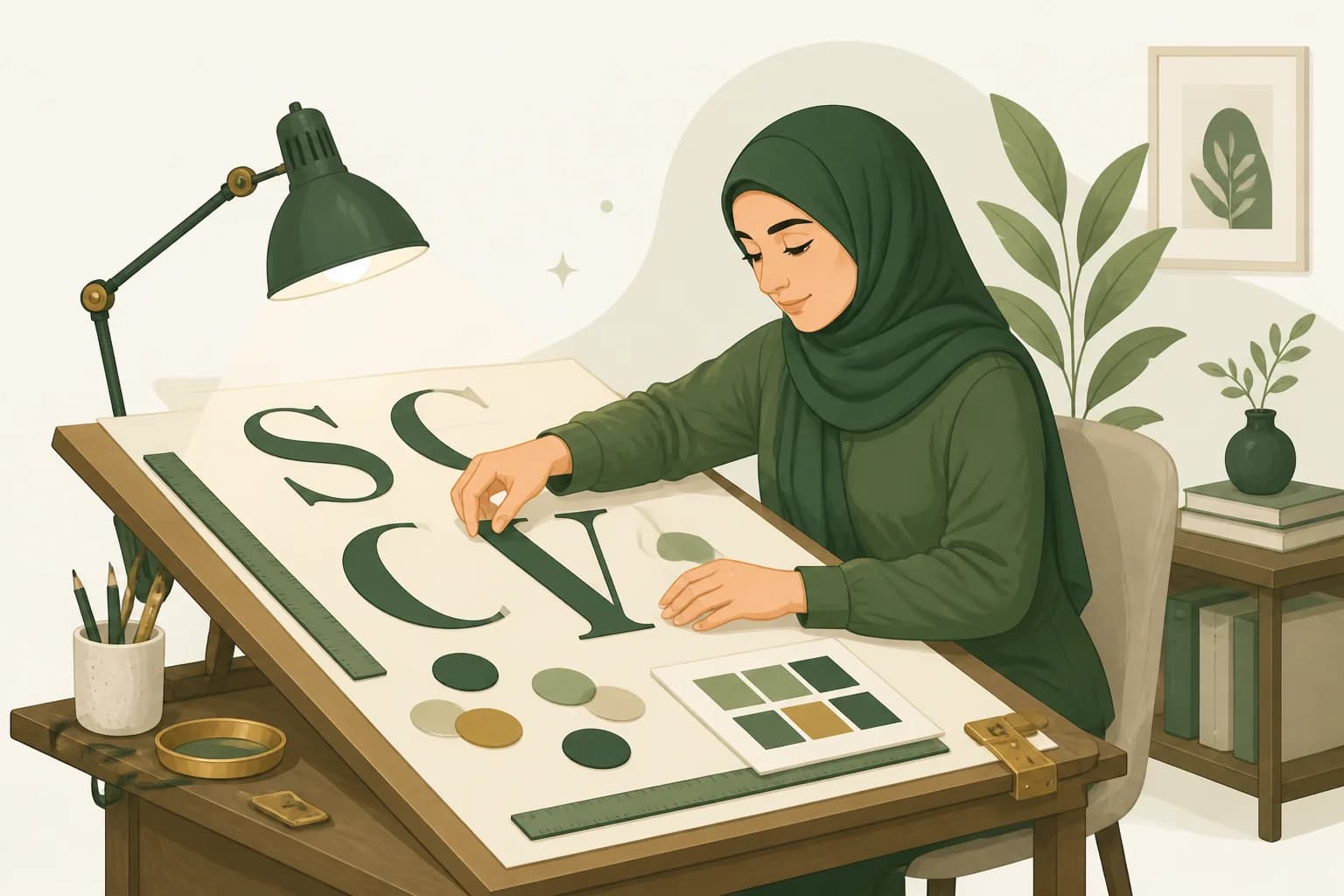
Hands on the design
Tap a line of text to reword it. Reach for fonts, colors, sizes and spacing. Curve a name into an arc, drop in up to ten of your own photos, nudge a piece into place. On classic designs the Text, Image, Background, Position and Style tools are all right there — no menus to hunt through.
The finer details
More than fifty typefaces — scripts, serifs, clean sans and bold display faces — so the words on the card sound like you.
Style the envelope guests open: its shell color, the liner inside the flap as a color or pattern, and the little message on the front.
Recolor, resize and rearrange until the balance feels right — and revert to the design's original in one tap if you wander too far.
Add up to ten images to a card and place them where you want, so a face or a favorite snapshot becomes part of the design.
The best invitation doesn't look designed by a template. It looks like it could only have come from you.
Bold, without the risk
Every InviteBird design is original and drawn in-house, so you start from something no one else has — then you make it yours. Edits save on their own as you work, undo and redo sit in the toolbar, and Reset or Restore an earlier version bring the card back any time. Your guests and RSVPs are never touched.
Make it yours
Fonts, colors, photos and words — a friendly editor that puts the whole design in your hands.
Browse the designs

Common questions
No. You start from a finished design and change what you like — tap text to reword it, pick a font or color, move a piece. The card updates live, so you can see every change as you make it.
Dozens — more than fifty typefaces across handwriting scripts, serifs, sans-serifs and bold display faces, so you can match the mood of your event.
Yes — up to ten images on a card. Place them where you want and the design makes room, so your own faces and snapshots become part of the invitation.
Reset returns the card to the design's original, and Restore an earlier version steps back to a version you had before. Neither touches your guest list or your RSVPs.
Yes. Edits save to your private draft as you work, and the toolbar shows the save status. You can also save by hand with Ctrl or Cmd + S.
Yes. Reopen any design and tap Personalize for a fresh copy — choose Start Fresh and you get a clean new draft in the same look, with its own guest list and RSVPs, nothing carried over from the first. You can also bring in a past event's guest list when you build the new one, so a repeat party is quick to set up.
Yes. You can reopen the invitation and edit the card or details after sending — just message your guests if the date, time or venue changes.
Goes well with
Ready when you are
Dozens of fonts, curved text, your own photos, and a live preview the whole way — open a design and make it yours.
Browse the designs