The room at a glance
A live board of the night — who's arrived, who you're still waiting on, photos dropped, votes cast, songs requested. It refreshes itself while you're looking and rests while your phone's in your pocket.
The big day
When the day finally arrives, the planning turns into a party — and everything you need is on one tab. Build the check-in kiosk weeks ahead, then open the same tab on the night to watch guests arrive, drive the schedule, talk to the room and light up the big screen. All from the event you already made, with no new app to learn.

How it works
Set a 4-digit lock code and arrange the kiosk's tiles — drag them into the order you want, hide the ones you don't, add the ones you do. A module you haven't set up never leaves a dead tile.
On the day the button changes from Preview to Open kiosk. Prop the tablet on the welcome table and lock it; guests tap their own name and their whole party arrives under one tap.
Switch to Live and the same tab becomes your control desk: who's arrived, what's happening now, a note to the room, and the big-screen moments — all thumb-sized buttons on your own phone.
The welcome desk
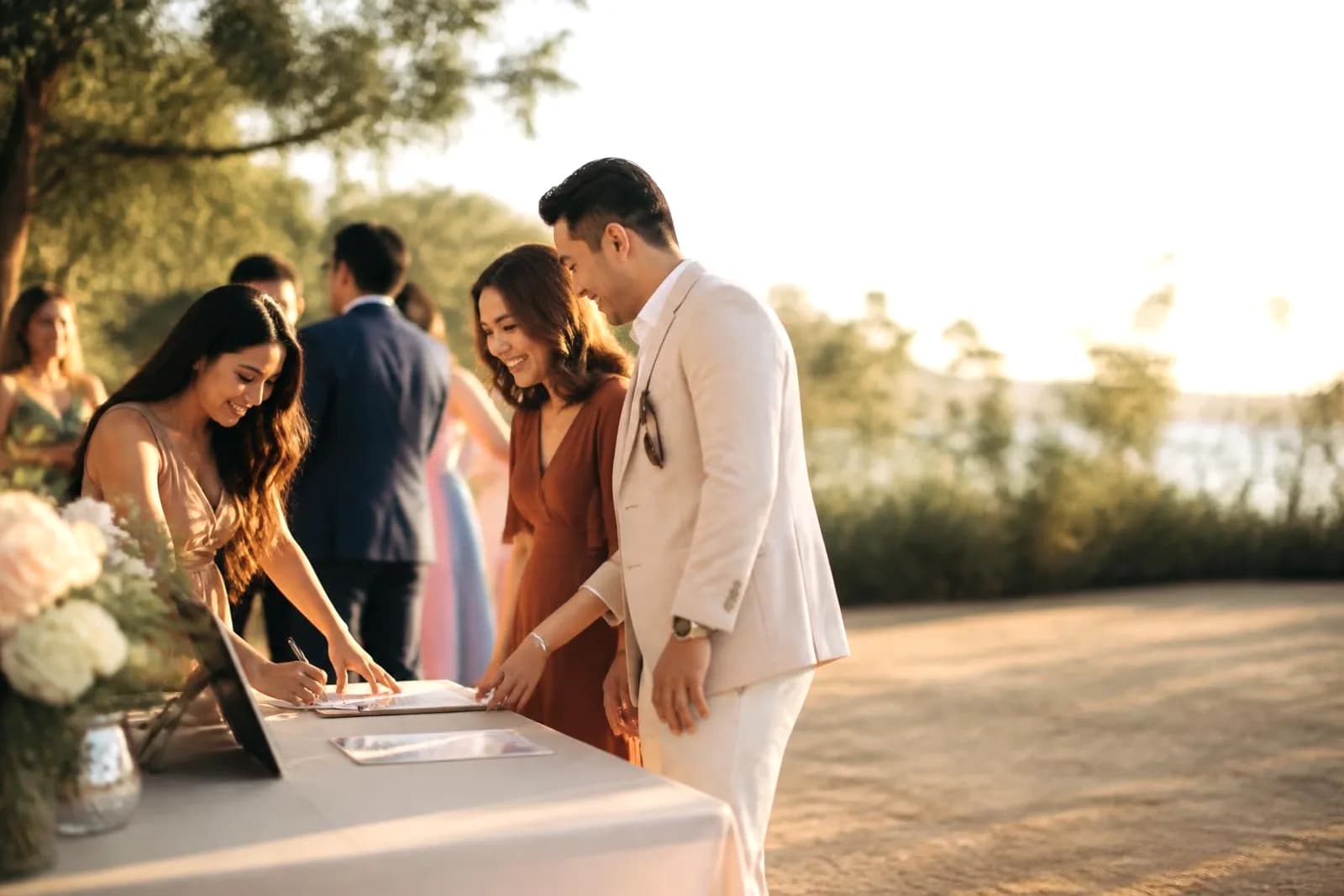
Prop any iPad, tablet or laptop on the welcome table and it becomes your front desk. Guests tap their own name to check in — small typos forgiven — and their whole party arrives under one tap; once you've released tables, the welcome card shows them where they sit. Switch on door passes and guests who RSVP also get a personal pass in their confirmation email: one look at the door checks their whole party in, no typing at all. Someone show up without an invite? Add a walk-in on the spot. And when the venue wifi drops, the door keeps moving — check-ins are saved on the device and send themselves the moment the signal returns.
Beyond the door
A live board of the night — who's arrived, who you're still waiting on, photos dropped, votes cast, songs requested. It refreshes itself while you're looking and rests while your phone's in your pocket.
The whole day in order with the current moment marked NOW. Advance it yourself when dinner runs late, or let it follow the clock — and add a moment on the spot without leaving the page.
Type a note — dinner is served in the garden — and it appears on the kiosk ticker and every guest's phone, no microphone required. Write tonight's notes in advance and schedule them.
Reveal the trivia answers, crown your predictions champion or draw the raffle, and watch the kiosk and every guest's phone light up together. There's a Clear button for when the moment's done.
The live controls
Choose which live poll the room is answering, run the quiz console, and keep a record of every action taken, with who did it and when. Your arrivals, schedule, announcements and game moments all belong to the same event. The record is still there the next morning, so "when did we actually draw the raffle?" has an answer.
The planning was for you. The day is for them — and the best tools on the night are the ones your guests never have to think about.
The photo wall
Nothing warms a party like seeing itself on screen. Plug a laptop into the TV, open the photo wall, and it fills as the night goes on — every guest snap you approve slips into the slideshow without anyone touching a thing. A little QR stays in the corner, so guests keep adding from wherever they're standing, and every photo lands in the album everyone takes home.
Run the day
Check-in, your run of show, a live photo wall — one tab that keeps the big day moving smoothly.
Browse the designs

Common questions
No. Any iPad, Android tablet or laptop with a browser becomes the kiosk, and a laptop plugged into a TV makes a lovely photo wall. Everything runs from your event in the browser — there's nothing to install.
No. Guests type their name on the kiosk, or scan the door QR to open a pocket-sized version on their own phone — check-in, their table, the menu, the games and photo uploads, all with no app and no account.
That's the idea. The Setup side is open from the moment you create your event: arrange the kiosk tiles, set the lock code, preview the screen, write your schedule and save the notes you'll want to send. You can open the live controls early too and walk through them, so nothing on the night is a surprise.
Yes. Switch on door passes and every guest on your list who RSVPs yes gets a personal pass in their confirmation email — showing it at the door checks their whole party in with one look, no name to type. Guests can still check in by name if they prefer, and you can add walk-ins right at the desk, capacity and all.
Check-in carries on. Check-ins and walk-ins done while the connection is down are saved on that device, with a calm line telling the person on the door that nothing is lost, and it all sends itself the moment the signal returns. Nobody gets counted twice.
No. Lock the kiosk with a 4-digit passcode and it stays put — the back button is trapped and leaving is blocked, so guests stay inside the welcome desk while host-only actions sit behind your code.
No. Event Day is part of your event, built from the modules already included with your plan. Turn on the features you want and their tiles appear on the kiosk and on guests' phones.
Yes. Co-hosts open the same Event Day tab with the same controls, so whoever is on desk duty can keep the night moving — and the record shows which of you did what.
Goes well with
Ready when you are
Check-in at the door, the room on one board, a desk in every pocket — pick a design and run the day.
Browse the designs